
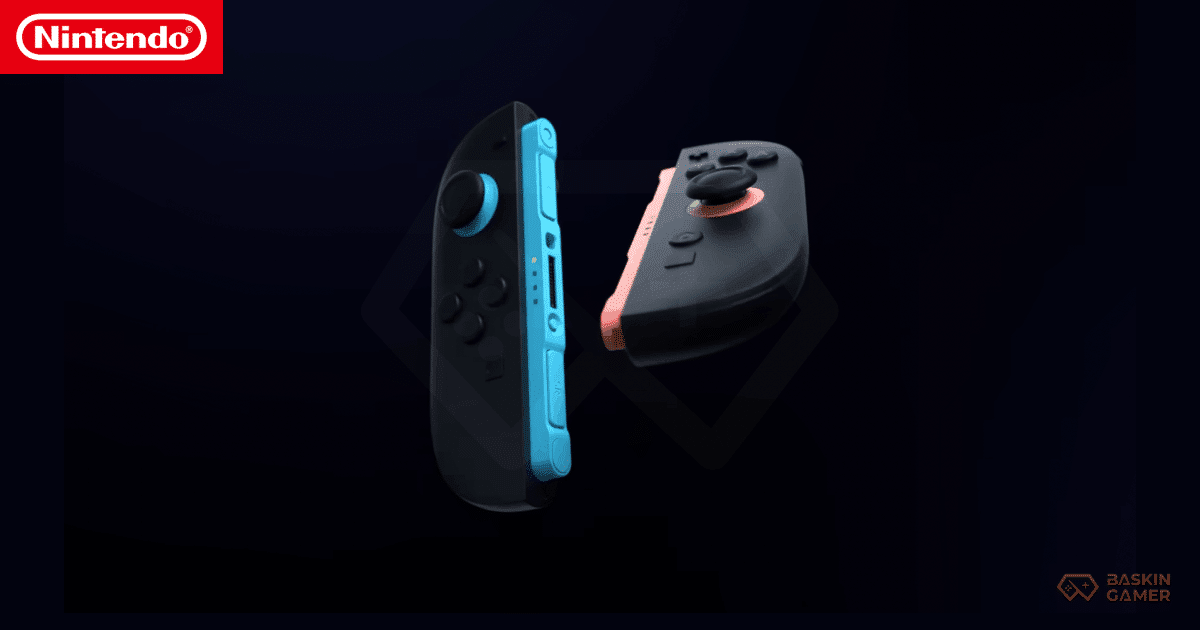
Joy-Con 2 Early hands-on reports for the Nintendo Switch 2 have sparked excitement across the gaming community.
Among all the hardware changes, one upgrade stands out immediately.
The Joy-Con 2 magnetic connector system feels smooth, firm, and premium. Players describe a clean snap that feels intentional and secure.
However, one question quickly followed.
Are original Nintendo Switch Joy-Cons still useful on Switch 2?
That concern matters. Millions of players already own multiple Joy-Cons. Nintendo’s approach to compatibility can define how smooth the upgrade feels.
Let’s break everything down clearly.
What’s New With Joy-Con 2 on Nintendo Switch 2
Nintendo redesigned the controller attachment system from the ground up.
Instead of sliding rails, Joy-Con 2 connects magnetically to the sides of the console.
This change delivers several improvements:
- Faster attachment
- Reduced physical wear
- Slimmer console design
- More stable handheld grip
The magnets lock firmly once aligned. There is no wobble.
The experience feels modern and deliberate.
Can Original Joy-Cons Attach to Switch 2?
No.
Original Nintendo Switch Joy-Cons cannot physically attach to the Switch 2 console.
The rail system no longer exists.
Magnetic connectors fully replace it.
However, this does not mean older Joy-Cons are unusable.
How Original Joy-Cons Still Work on Switch 2
Original Joy-Cons remain fully functional through wireless connectivity.
Nintendo Switch 2 supports:
- Bluetooth pairing
- Docked mode gameplay
- Tabletop multiplayer
- Motion controls
In short, older Joy-Cons still work exactly as controllers.
They simply no longer attach directly to the console body.
For many players, especially those who play docked, this changes very little.
Joy-Con 2 vs Original Joy-Con: Feature Comparison
| Feature | Joy-Con 2 | Original Joy-Con |
|---|---|---|
| Magnetic attachment | Yes | No |
| Wireless play | Yes | Yes |
| Docked mode support | Yes | Yes |
| Tabletop multiplayer | Yes | Yes |
| Motion accuracy | Improved | Standard |
| Rumble feedback | Enhanced | Supported |
This comparison shows a clear upgrade path without cutting off existing hardware.
Why Nintendo Switched to Magnetic Connectors
Nintendo rarely changes hardware design without long-term intent.
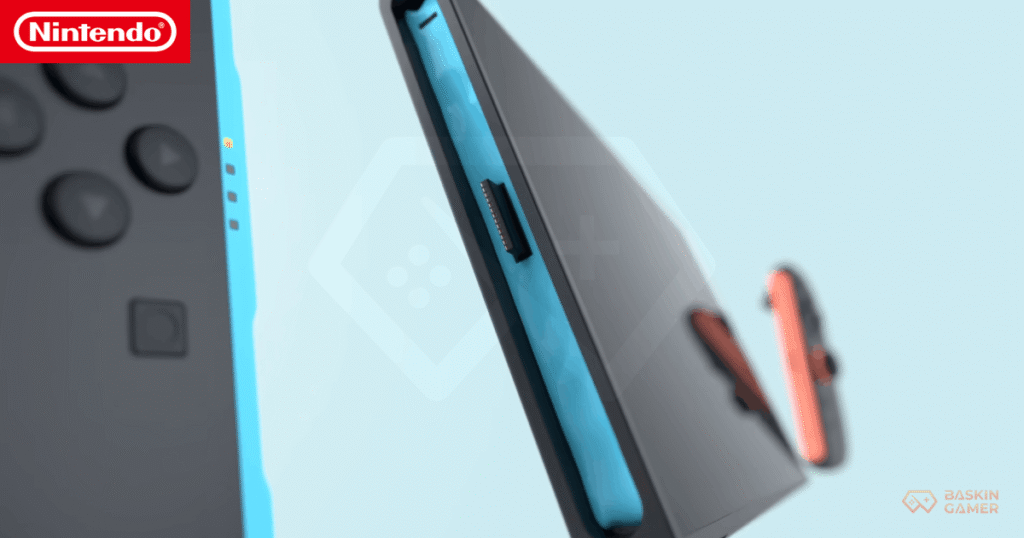
The magnetic system solves multiple problems:
- Reduces wear from sliding rails
- Improves ease of use for all age groups
- Allows future accessory flexibility
- Enhances handheld stability
Most importantly, Nintendo kept wireless backward compatibility, preserving player investment.
Is Joy-Con 2 Required for Handheld Play?
Yes.
Handheld mode on Nintendo Switch 2 requires Joy-Con 2.
Original Joy-Cons cannot attach physically, making them unsuitable for handheld use.
However:
- Docked players can continue using old Joy-Cons
- Tabletop multiplayer remains unchanged
- Extra Joy-Cons are still valuable
This design choice affects form factor, not functionality.
Early Player Reactions and Community Response
Player feedback so far has been largely positive.
Many praise the magnetic snap and premium feel.
Others worry about future accessory costs.
Still, most agree on one key point.
Nintendo avoided making older controllers obsolete.
That decision builds trust during a console transition.
What This Means for Switch Owners Upgrading to Switch 2
If you already own multiple Joy-Cons, the takeaway is simple:
- Your controllers still work
- Multiplayer setups remain intact
- Joy-Con 2 is only required for handheld play
This makes upgrading feel far less disruptive than expected.
Final Verdict
Joy-Con 2 represents evolution, not replacement.
Nintendo modernized attachment without discarding existing hardware.
Original Joy-Cons still matter.
They simply serve a different role now.
That balance makes the Switch 2 transition feel thoughtful rather than forced.
Frequently Asked Questions
Do original Nintendo Switch Joy-Cons work on Switch 2?
Yes. They connect wirelessly and work in docked and tabletop modes.
Can old Joy-Cons attach to the Switch 2 console?
No. Switch 2 uses magnetic connectors instead of rails.
Is Joy-Con 2 mandatory to play Switch 2 games?
Only for handheld mode. Docked play supports original Joy-Cons.
Does Joy-Con 2 improve gameplay features?
Yes. It offers better rumble, motion accuracy, and grip stability.
Should existing Switch owners upgrade controllers immediately?
Not necessarily. Existing Joy-Cons remain useful for most play styles.
Stay tuned to Baskin Gamer as we bring you the latest updates on game news, releases, and more!