
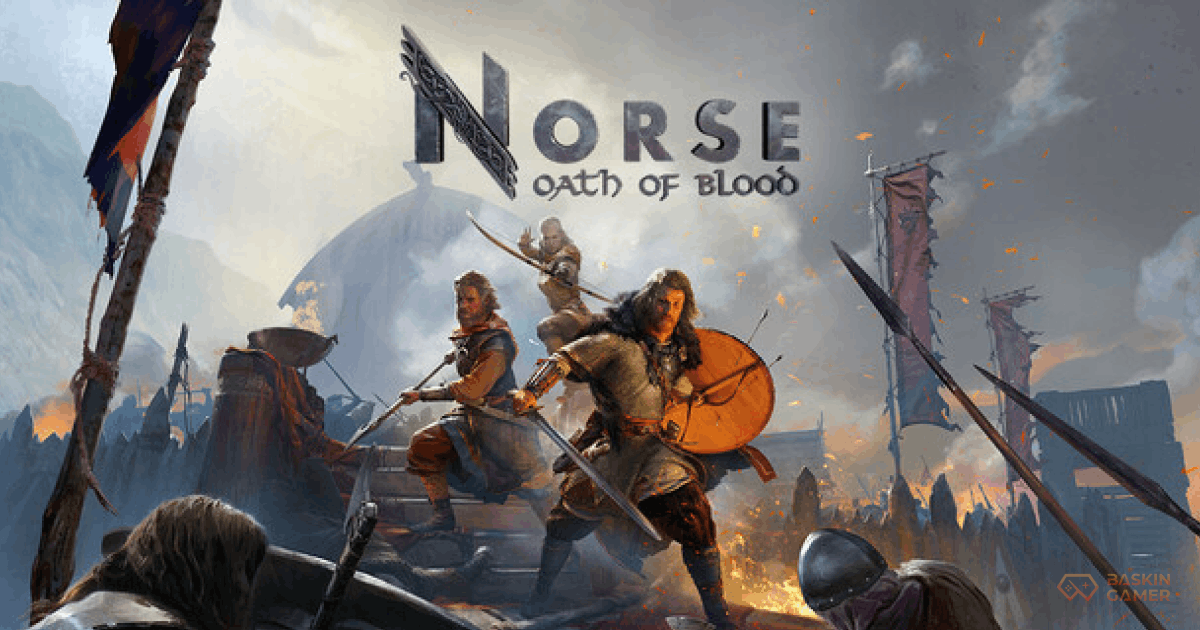
Norse Oath of Blood PC – The Viking saga has begun.
However, for some players, the road from pre-load to play has not been entirely smooth.
Since its February 17 release, Norse: Oath of Blood has trended for two reasons. First, fans praise its brutal “Viking XCOM” tactical depth and Giles Kristian’s grounded storytelling. Second, early adopters report performance issues, a Black Screen progression bug, and settings that refuse to save.
If you are searching for a complete Norse Oath of Blood PC launch guide and fixes, this is your Day One survival kit.
Launch Day Reality: Depth Meets Growing Pains
Let’s start with honesty.
The core gameplay is strong. The grid-based combat feels deliberate and punishing. Village management ties directly into battlefield performance. The historical realism stands out in a genre often crowded with fantasy Vikings.
Yet, some technical hurdles have frustrated players.
Search traffic for “Norse Oath of Blood black screen fix” spiked within hours of launch. The issue appears most often in players who imported demo save data.
Black Screen Progression Bug – What to Do
If you played the demo before release, delete your old demo save files before starting a new campaign.
Several users report that lingering demo data triggers the Black Screen after early missions. Removing old saves resolves the issue in most cases.
The developers acknowledged the bug and confirmed that a hotfix is in progress.
High VRAM Usage & Performance Optimization
Another trending query: “Norse Oath of Blood PC performance fix.”
The game’s historical realism comes with dense forests, heavy particle effects, and detailed settlement environments. Consequently, VRAM usage runs higher than expected on mid-range GPUs.
If you run an RTX 3060 or 4060 and want stable 60 FPS, adjust these settings:
- Turn Motion Blur OFF.
- Set Foliage Density to Medium.
- Lower Shadow Quality one step.
- Ensure the game runs on an SSD.
- Close background GPU-heavy applications.
These tweaks preserve visual fidelity while stabilizing frame pacing during forest ambushes.
The combat remains responsive once optimized, which matters in a permadeath tactical system.
Settings Not Saving? Here’s the Manual Fix
A frequent Day One complaint involves graphics settings resetting after every launch.
If your settings refuse to save:
- Navigate to your AppData folder.
- Open: Local > Norse > Saved > Config > Windows.
- Locate the configuration file.
- Adjust the read/write permissions if necessary.
Until the official patch arrives, this manual fix prevents repeated resets.
Search volume for “Norse Oath of Blood settings not saving fix” continues to rise, so expect an official solution soon.
Mastering the Shield Wall (Essential Tactical Tip)
Beyond technical issues, one gameplay mechanic dominates search traffic: Shield Wall strategy.
If you ignore this system, your warband will not survive the first missions.
Unlike traditional RPG armor systems, durability alone does not protect you. You must overlap unit circles in formation to activate the Shield Wall buff.
When triggered, it reduces incoming frontal damage by approximately 60 percent.
Without formation discipline, permadeath claims your warriors quickly.
Tactical Reminder
- Keep frontline units adjacent.
- Avoid exposing flanks.
- Move in sequence.
- Stabilize wounded allies immediately.
This game rewards patience. Reckless charges end campaigns early.
Village Management Impacts Combat Outcomes
The combat may draw comparisons to tactical classics, yet the settlement system defines long-term success.
Your blacksmith influences weapon quality. Farmers secure food supply. Builders accelerate reconstruction after raids.
Therefore, neglecting the village directly weakens your warband.
Many players searching “Norse Oath of Blood tactical tips” overlook this connection. Success depends on balancing battlefield skill with settlement planning.
Day One Status Overview
Here is a quick summary of the current launch condition:
| Feature | Status (Feb 18, 2026) | User Tip |
|---|---|---|
| PC Performance | Mixed (High VRAM usage) | Use SSD & 16GB RAM minimum |
| Console Version | Spring 2026 | PC is currently leading |
| Bugs | Optimization & settings issues | Hotfix expected soon |
| Combat Style | Turn-based / Permadeath | Master Shield Wall early |
Jank vs. Depth: The Honest Verdict
Today’s conversation centers around one debate: Is Norse: Oath of Blood broken, or simply unpolished?
The answer lies somewhere in between.
The tactical systems feel thoughtful. The permadeath stakes create tension. The grounded realism sets it apart from fantasy-heavy Viking games.
However, technical polish needs refinement.
If you approach it with patience and apply the fixes above, you will experience a strategic Viking RPG with genuine depth.
This is not a shallow spectacle.
It is a war of discipline.
And in this war, survival depends on both shield formation and system stability.
Frequently Asked Questions about Norse Oath of Blood
How do I fix the Black Screen bug?
Delete any demo save files before launching the full version. This resolves the issue for most players.
How do I save my settings in Norse: Oath of Blood?
If settings reset, manually edit the configuration file in the AppData directory until an official patch arrives.
Is Norse: Oath of Blood broken?
No. The game shows strong tactical design and storytelling depth. However, it currently requires minor optimization and patch support.
Stay tuned to Baskin Gamer as we bring you the latest updates on game news, releases, and more