
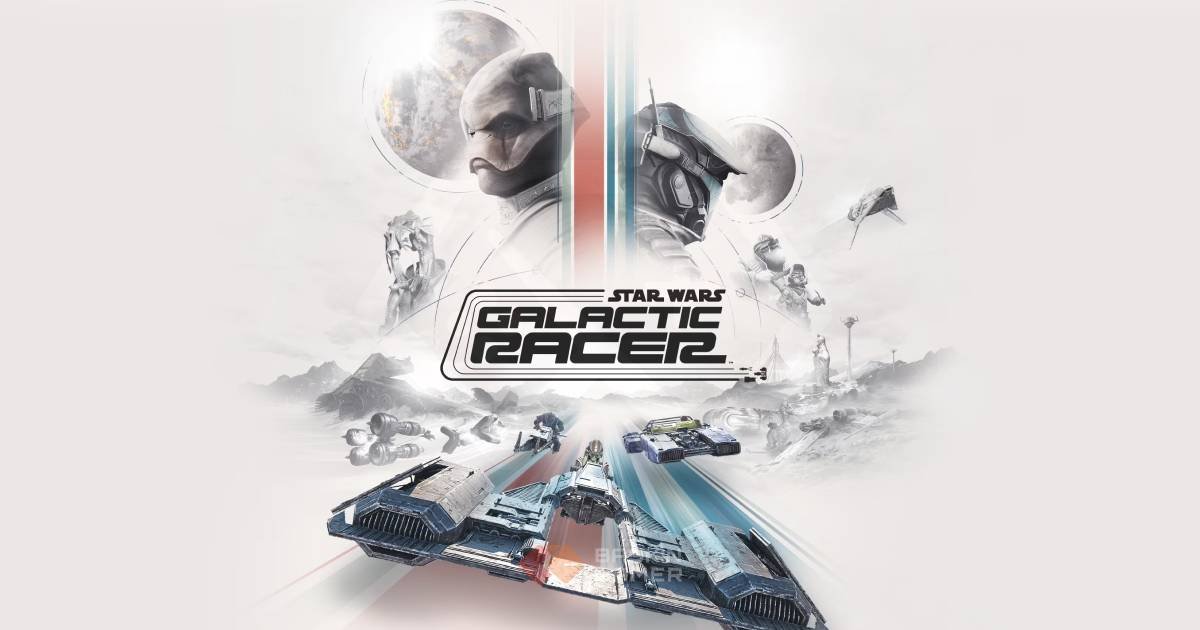
Your first race in Star Wars: Galactic Racer probably won’t go exactly as planned.
You pick a racer. You find the accelerator. You see a boost button sitting there, practically begging to be used.
Then the first corner arrives.
Suddenly you’re scraping a barrier, another racer flies past you, and you’re wondering why the vehicle that looked so fast in the selection screen is so difficult to keep on the track.
That’s the part Galactic Racer doesn’t really explain.
Going fast is easy. Staying fast is the trick.
The game launches on October 6, 2026, and it gives players more to learn than simply choosing a vehicle and trying to finish first. Different vehicles handle differently, builds can be adjusted around your racing style, and the tracks reward players who learn when to push and when to back off.
If you’re starting today, don’t worry about finding a perfect build immediately.
First, learn how to race.
Quick Summary
- Start with the Landspeeder if you’re learning the game.
- Get comfortable with cornering before chasing maximum speed.
- Don’t burn your boost simply because the meter is full.
- Learn each track’s difficult sections before attempting shortcuts.
- Build around your driving habits rather than copying a setup blindly.
- Speed is useful, but control keeps you in the race.
- Campaign is a good place to learn how the game’s systems work together.
- Scenario and Arcade modes are useful for focused practice.
- Avoid unnecessary collisions and risky overtakes.
- Once the basics feel natural, start experimenting with faster and more specialized vehicles.
What Kind of Racing Game Is Galactic Racer?
At first glance, Galactic Racer looks straightforward.
Star Wars vehicles. Alien worlds. Huge tracks. Explosions. Boosts.
The actual racing has a little more going on.
Your vehicle isn’t behaving like a normal car. You’re dealing with repulsor-based machines, unusual handling and tracks that can change the way you approach a race.
That creates a different kind of rhythm.
You accelerate.
You line up a corner.
You decide how much speed you’re willing to carry through it.
Then you get another chance to push.
A good lap isn’t necessarily the one where you spend the entire time at maximum speed.
It’s the one where you lose as little speed as possible without losing control.
That distinction is worth learning early.
Don’t Try to Drive at Full Speed All the Time
This is probably the first habit I’d change if you’re coming from a traditional arcade racer.
Holding the accelerator down isn’t the difficult part.
Knowing when to stop pushing is.
A corner approaches. You have two choices.
You can stay aggressive, hope the vehicle holds its line and try to blast through.
Or you can sacrifice a little speed, make the turn cleanly and accelerate out.
The second option often feels slower.
Over an entire lap, it can be faster.
Once you start noticing where you’re losing speed, racing becomes much easier to understand.
Your First Vehicle Should Be About Learning
Galactic Racer gives you different vehicle types with their own strengths and weaknesses.
That can make the selection screen look more complicated than it really is.
For your first few races, you don’t need the most specialized option.
You need something that lets you learn the track.
Landspeeder
The Landspeeder is the safest starting point for a new player.
Its handling gives you room to learn how the game wants you to approach corners and movement without immediately punishing every small mistake.
That makes it a useful training ground.
Use it to figure out:
- How much speed you can carry
- How quickly the vehicle responds
- When to brake or release acceleration
- How drifting feels
- Where you normally lose control
Once those things become familiar, the faster options become much easier to appreciate.
Speeder Bike
The Speeder Bike is a different proposition.
It’s quick and agile, but that extra performance also gives you less room for sloppy driving.
If you already feel comfortable with the tracks, it becomes much more interesting.
If you’re still crashing every other corner, it may only make the problem more obvious.
Skim Speeder
The Skim Speeder is worth trying if you enjoy technical driving.
Its Knife Edge maneuver gives it a different approach to sharp corners, making it particularly interesting on sections where a normal turn isn’t enough.
This is the sort of vehicle that can become more rewarding as your understanding of the tracks improves.
Podracer
Then there’s the Podracer.
Naturally, this is the one that makes you want to go as fast as possible.
Its ramjets give it serious straight-line performance, but the speed also demands better control.
A Podracer can be brilliant when you’re clean.
It can also turn a small mistake into a very large one.
Don’t worry about mastering it during your first hour.
You’ll get more out of it once your basic racing instincts are already there.
What Should a Beginner Build?
Forget the idea of a single “best” build.
At least for now.
The strongest setup on paper might be completely wrong for the way you drive.
Someone who constantly takes aggressive lines has different needs from someone who prefers clean, defensive racing.
Start by fixing your biggest weakness.
If you keep losing control, prioritize handling.
If you can already manage corners comfortably, start looking for ways to improve speed.
If you struggle when surrounded by other racers, experiment with options that make aggressive encounters easier to handle.
The point is simple:
Your build should solve a problem.
Don’t change parts just because a number went up.
Learn the Track Before You Optimize the Vehicle
This is one of the easiest things to overlook.
A vehicle can only do so much for you.
If you don’t know where the difficult corners are, even a great setup won’t save you from taking one badly.
Your first few races should almost be reconnaissance.
Notice the corners that catch you.
Remember where the track narrows.
Watch for hazards.
Look at where other racers tend to pass.
And pay attention to sections where you naturally lose momentum.
After that, you can start making smarter build decisions.
Maybe you need more control.
Maybe you need more acceleration after corners.
Maybe the problem isn’t your vehicle at all.
Maybe you’re simply entering one particular turn too quickly.
That kind of information is much more useful than blindly changing upgrades.
Boost Is a Tool, Not a Panic Button
A full boost meter can be tempting.
You don’t have to spend it.
One of the easiest beginner habits to fall into is using boost whenever it’s available. Sometimes that works. Often it just gets you into the next corner faster than you can handle.
A better approach is to look for clean opportunities.
A long straight is an obvious one.
So is the exit of a corner you’ve taken well.
An open section where you can overtake without immediately needing to turn is another.
Think of boost as something that extends an advantage you already created.
Don’t use it to cover up a bad line.
What Makes a Good Racing Line?
You don’t need to become a professional racing driver to understand this.
Watch what happens when you enter a corner.
If you arrive too far to one side, you may have to make a sharp correction.
If you enter too quickly, you’ll lose speed trying to recover.
A smoother approach gives you more options.
The goal isn’t always to hug the inside of every corner.
Sometimes a wider line gives you a cleaner exit.
That’s especially important when you’re carrying boost into the next section.
A good corner isn’t finished when you make the turn.
It’s finished when you’re positioned well enough to accelerate afterward.
Should You Take Every Shortcut?
No.
This is another trap that looks obvious until you start losing races because of it.
A shortcut is only useful if it actually saves time.
If the route is difficult, narrow or filled with hazards, the theoretical advantage may disappear after one mistake.
Learn the standard route first.
Once you can complete it consistently, start testing alternatives.
That gives you something to compare against.
Otherwise, you won’t know whether the shortcut is genuinely faster or simply more exciting.
Campaign Is a Good Place to Learn
If you’re completely new, don’t feel like you need to jump immediately into every competitive option.
The Campaign gives you a natural way to become familiar with the game’s systems.
You’re dealing with races, progression and decisions over a longer run rather than treating every event as a completely separate experience.
That matters because your choices begin to influence how you approach what comes next.
You’ll gradually learn which situations suit your driving style.
You’ll also get a better idea of which upgrades are actually useful to you.
Don’t Ignore Scenario and Arcade Modes
Campaign isn’t the only place where you can improve.
Scenario Mode is useful when you want a more focused challenge.
Instead of worrying about a longer run, you can concentrate on the particular situation in front of you.
Arcade Mode is useful for another reason.
Sometimes you just need to race.
No complicated plan.
No worrying about the bigger progression.
Pick a vehicle and work on your driving.
If one corner keeps ruining your races, spending some time practicing rather than repeatedly restarting a longer run can save a lot of frustration.
Multiplayer Changes the Rules
Racing against other players isn’t the same as learning against the game’s regular competition.
People are less predictable.
Someone may take a line you weren’t expecting. Another player may aggressively defend a position that an AI racer would normally surrender.
That makes awareness important.
Don’t stare only at the racer directly in front of you.
Watch the space around your vehicle.
If two players are fighting for the same position ahead, you don’t necessarily need to join them.
Sometimes the smartest move is simply waiting for the opening.
Five Mistakes New Players Should Avoid
1. Using boost whenever it’s available
A full meter doesn’t mean you need to spend it.
2. Chasing speed before learning control
A faster vehicle doesn’t help much if you’re constantly hitting barriers.
3. Taking every shortcut
Some shortcuts are only useful when you can execute them consistently.
4. Copying a build without understanding it
A setup made for another player’s style may not work for yours.
5. Treating every opponent as a target
You don’t have to fight for every position.
Sometimes staying clean is the better strategy.
A Better Way to Build Your Vehicle
Once you’ve spent enough time racing to understand your weaknesses, start experimenting.
Try making one change at a time.
That way, you’ll actually notice what changed.
If you replace several parts at once and suddenly perform better, you won’t know which change helped.
The same applies when something goes wrong.
Small adjustments make the system easier to understand.
Eventually you’ll stop asking:
“What’s the best build?”
And start asking:
“What does my build need?”
That’s when the customization system becomes much more useful.
Your First Few Hours: A Simple Plan
If you’re launching Galactic Racer for the first time, keep your progression simple.
First: choose the Landspeeder.
Then: learn the basic movement and cornering.
Next: run the same tracks enough times to recognize their difficult sections.
After that: start using boost more deliberately.
Then: experiment with upgrades.
Finally: try another vehicle and see how your driving changes.
There’s no need to master everything in one sitting.
The game has enough systems to reward gradual learning.
Final Thoughts
The fastest way to make Galactic Racer frustrating is to treat every race like a test of raw speed.
It isn’t.
At least, not entirely.
The better racer is usually the one who knows where to push.
You need to know when a corner is worth taking carefully. When a boost will actually help. When an opponent is worth challenging. When a shortcut is worth the risk.
And once those decisions start becoming instinctive, the vehicles become much more fun to experiment with.
Start simple.
Learn one vehicle.
Learn the tracks.
Build around your weaknesses.
Then start pushing the limits.
Galactic Racer gets much more interesting once you’re no longer fighting the controls.
Now you’re racing.
Frequently Asked Questions
What is the best vehicle for beginners in Star Wars: Galactic Racer?
The Landspeeder is the easiest starting point for most new players because it gives you a more forgiving way to learn movement, cornering and racing lines.
Is the Speeder Bike good for new players?
Yes, but it is better suited to players who already feel comfortable with the tracks. Its higher speed and agility can make mistakes more costly.
What is the Skim Speeder good for?
The Skim Speeder is designed around more technical cornering and its Knife Edge maneuver, making it useful for players who enjoy aggressive turns.
Is the Podracer difficult to control?
Its high speed can make it more demanding. The Podracer’s ramjets give it strong acceleration, but maintaining control through tighter sections requires practice.
What should I upgrade first?
There isn’t one universal upgrade path. Start by identifying the part of your driving that causes the most problems, then use your build to address it.
Should beginners focus on speed or handling?
Handling first. Once you can consistently stay on the track, you can start sacrificing some stability for additional speed.
When should I use boost?
Use boost on clean sections where the additional speed can be converted into actual time saved. Long straights and clean corner exits are good opportunities.
Should I take shortcuts?
Not automatically. Learn the normal route first, then test shortcuts once you know whether the alternative actually saves time.
Which mode should I play first?
The Campaign is a good starting point because it lets you learn racing and progression together. Scenario and Arcade can then be used for focused practice.
What’s the most important beginner tip?
Learn the track before trying to optimize the vehicle. Knowing where you’re losing time will tell you much more about the build you need.
Stay tuned to Baskin Gamer as we bring you the latest updates on game news, releases, and more